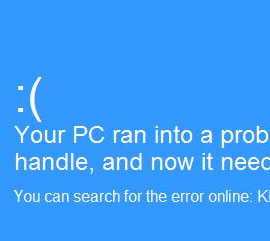
If a blue screen error (BSOD), appears, it will sometime show a specific error message and from that a solution can be addressed.This can happen suddenly and without any visible cause. Sometimes your computer begins to load but after some time stops responding during the start up process and then you get a blue screen error. This problem can be caused by many factors.
Your computer can try to load windows from removable media. First of all check and remove any CD’s, DVD’s, USB flash drives, memory cards. Remove any digital cameras or external hard drives. Try to restart your computer. If it fails again something else is causing the problem. If your desktop displays an error during start up, this is probably caused by hardware configuration problem. This can be related to the windows Boot Manager having a problem. Your motherboard, CPU, RAM or graphic card may have also developed a problem.